Find the right frame
Crop freely or choose an aspect ratio. Rotate your photo and flip it horizontally or vertically.
4VIK / Images and photos
Edit photos in 4vik Studio: adjust the crop, appearance and image settings. Save your project to your account and prepare an image for download.
Photo editor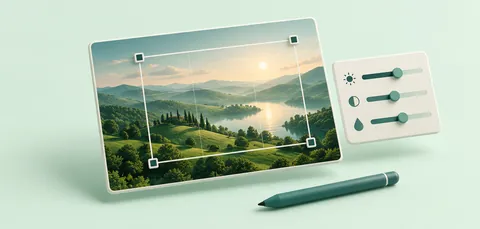
Upload a photo and start editing. Cropping, adjustments and exports use no credits.
Crop freely or choose an aspect ratio. Rotate your photo and flip it horizontally or vertically.
Adjust brightness, contrast, saturation and temperature. Try presets and automatic correction.
Add a caption or watermark. Set the font, colour, position and transparency.
Download JPG, PNG or WebP at your chosen size. Save the source image and editing settings to your account.